Press kit · 1.3.3 · September 2026
Take anything
on this page.
Everything here (copy, screenshots, the logo) is free to use in a review, a video, a newsletter or a roundup. No permission needed, no approval process, no embargo. If you want something that isn't here, ask and you'll have it the same day.
The facts
In one table.
| Product | Tape Looper |
|---|---|
| What it is | An 8-track tape-style live looper for macOS |
| Developer | Macroform Music, one person, a working musician |
| Platform | macOS 14 (Sonoma) or later · Apple Silicon and Intel |
| Price | $39 launch price ($49 list) · one-time · no subscription |
| Trial | 14 days, complete app, no feature gates, no card |
| Licence | 3 Macs · activates once, then runs fully offline |
| Audio | 24-bit AIFF per track, mix to disk as 24-bit WAV · any Core Audio device · 44.1 / 48 / 88.2 / 96 kHz |
| Amp | Neural Amp Modeler on INPUT · .nam files · free captures at TONE3000 |
| Current version | 1.3.3 · bigger console · LOOP / TAPE + locate · tuner · NAM · mix to disk |
| Site | tapelooper.com |
| Contact | hello@tapelooper.com |
Copy you can lift
Three lengths.
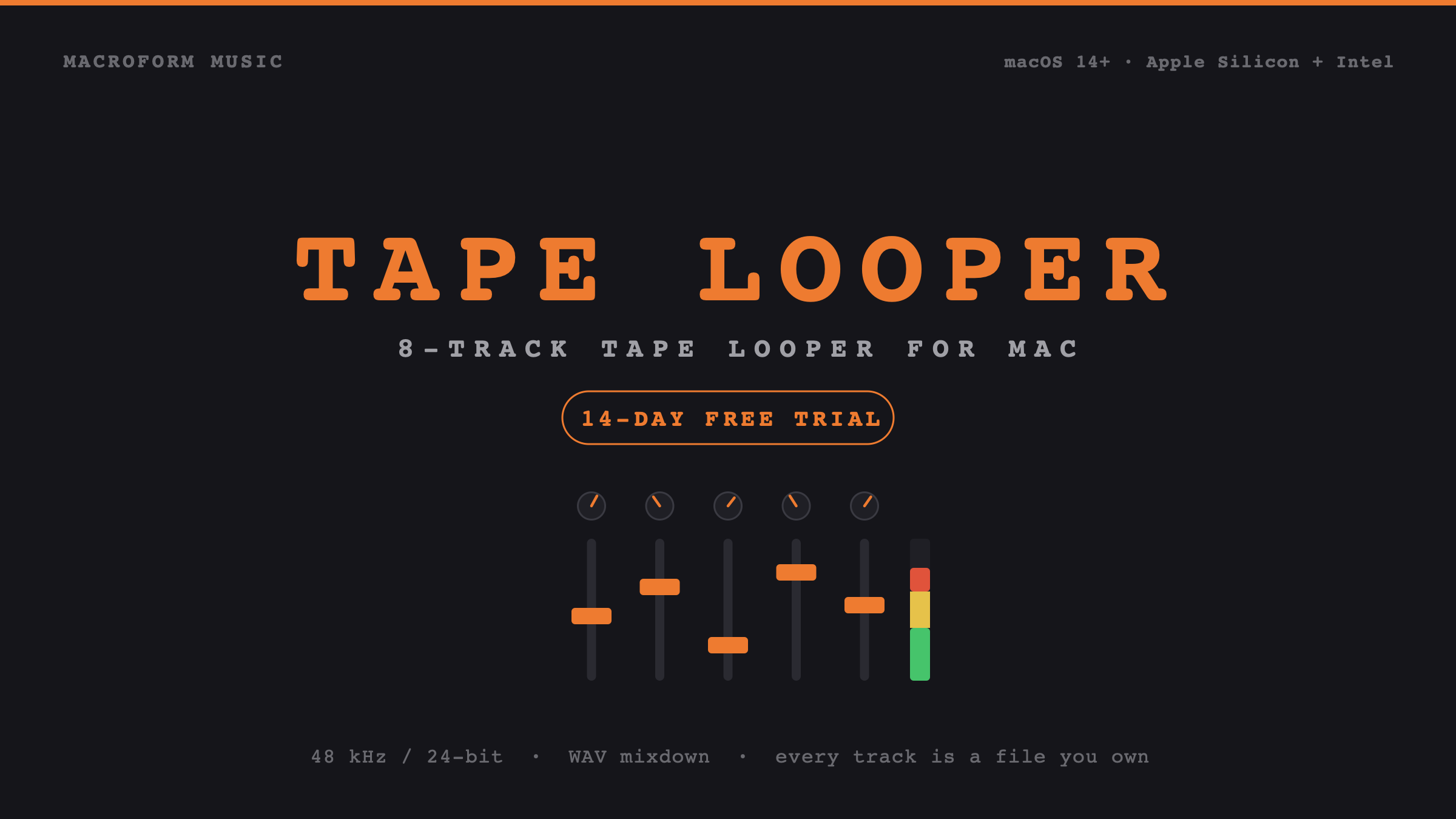
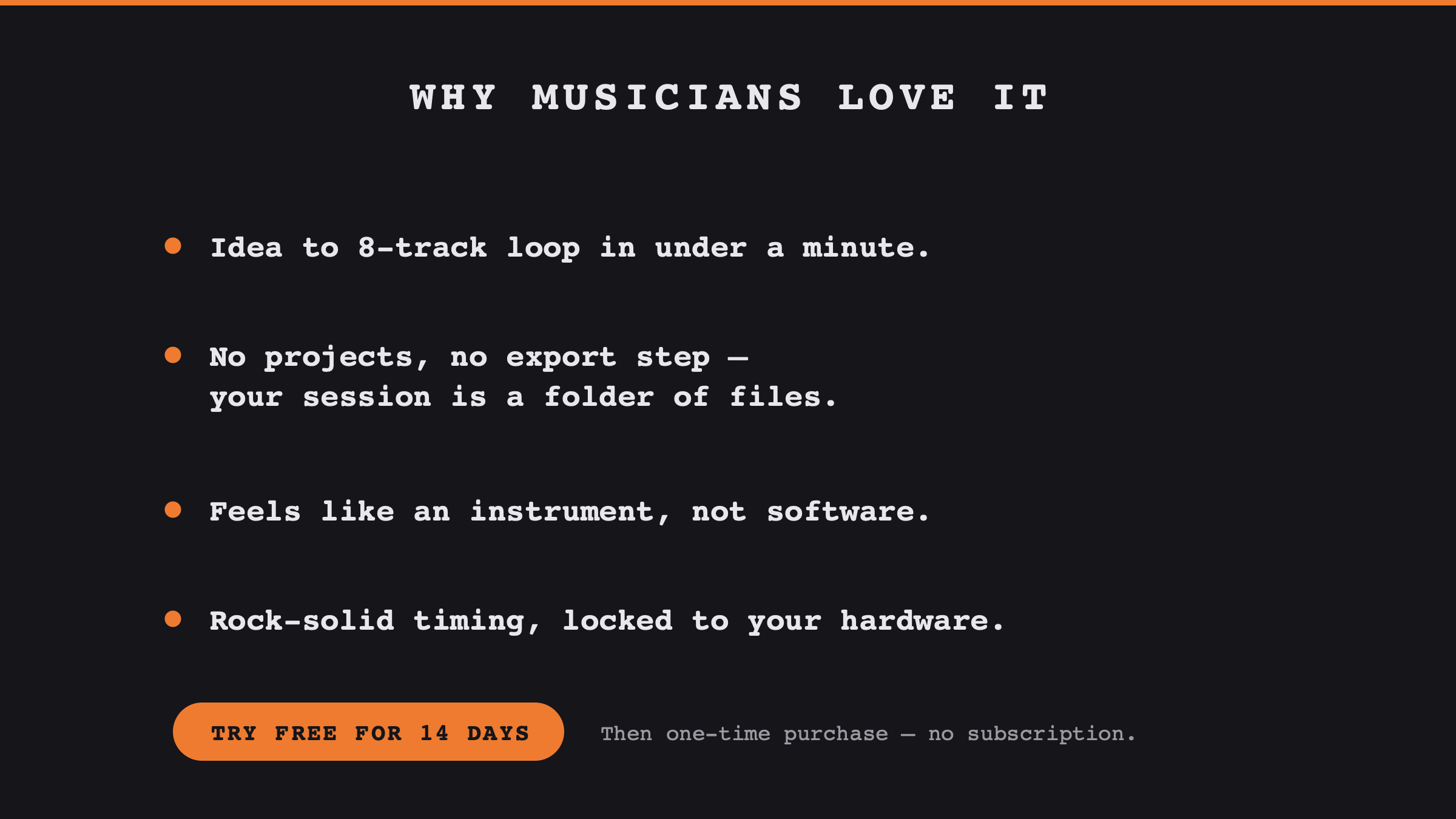
Tape Looper is an 8-track tape-style live looper for Mac that takes you from an idea to a finished loop in under a minute: Neural Amp Modeler on the live input, mix to disk, and every track already a file you own.
Tape Looper is an 8-track live looper for macOS, laid out like a classic tape console. Tap a tempo, hit record, and stack parts in real stereo with sends, varispeed and a master bus. Guitar runs through Neural Amp Modeler on the live input, printed to tape, with free amp captures from TONE3000. Hit REC TO DISK and the mix is a 24-bit WAV of the whole take. There is no project format and no export step: every track lands in a dated folder as 24-bit audio, named with its bar count and tempo, ready to drag into any DAW. $39, one-time, with a 14-day trial.
Tape Looper was built by a musician who kept losing ideas to load screens. The premise is narrow on purpose: it should always be faster to capture a phrase in Tape Looper than to open a DAW, and it should never cost you anything to walk away afterwards.
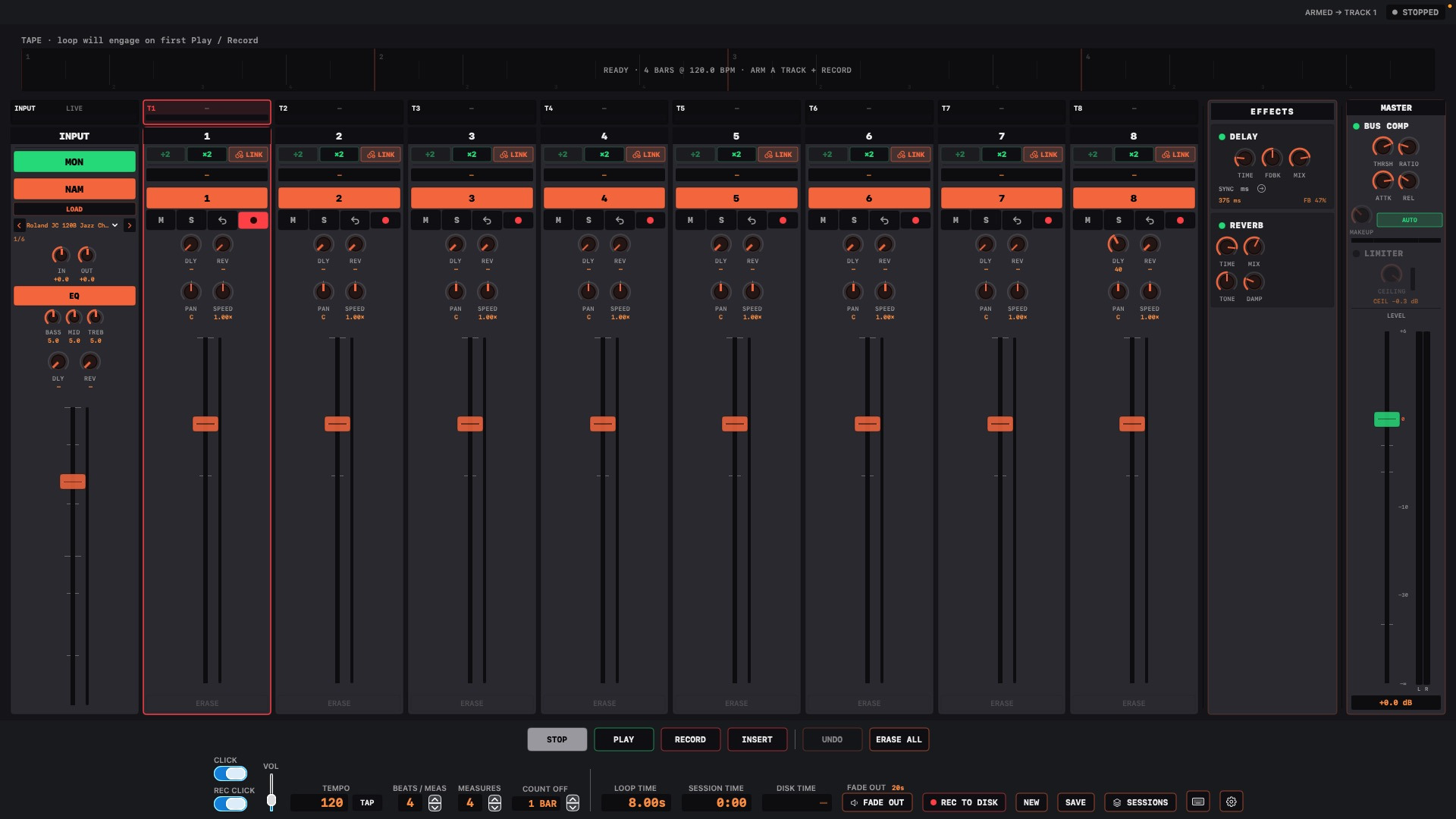
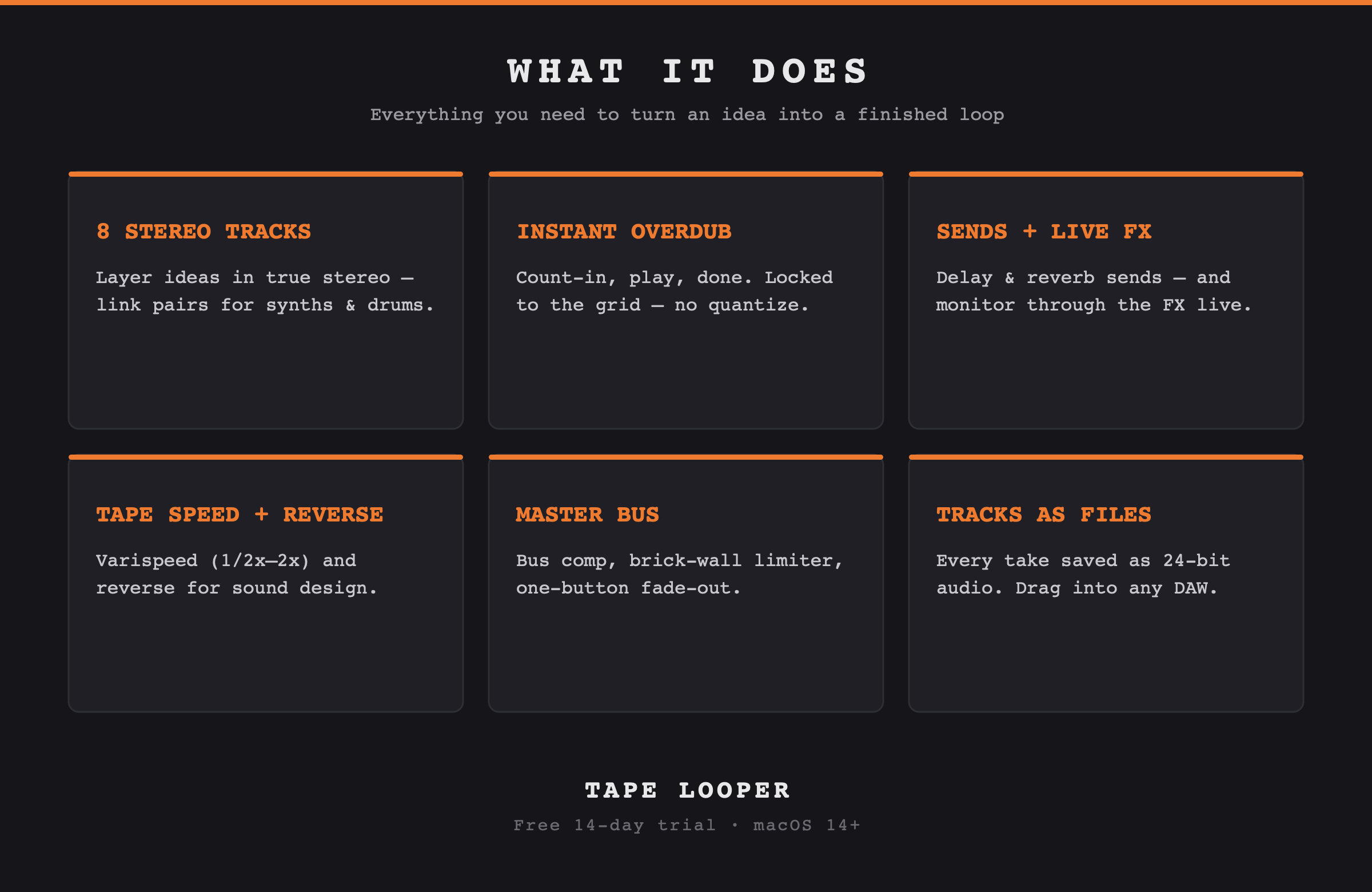
So it opens ready to record. You tap a tempo, choose your bars, and play. The app gives you a count-in and locks each pass to the grid, sample-accurate against your audio hardware rather than a software counter. Eight tracks, linkable into stereo pairs for keyboards and drum machines. Guitar through Neural Amp Modeler on the INPUT strip, printed to the armed track. Amp captures are free at TONE3000. Per-track sends to shared delay and reverb returns, which you can monitor through while you play. Varispeed and reverse on any track. A master section with a bus compressor, a brick-wall limiter and a one-button fade-out, so a take can end properly instead of just stopping. Hit REC TO DISK and the mix is a 24-bit WAV of everything you heard.
And then the part that matters most: when you're done, there is nothing to export. The session is already a folder: one 24-bit AIFF per track, stereo pairs written as single stereo files, plus the mix-to-disk WAV of the whole performance. Every file is named with the session, the track, its length in bars and the tempo, so a loop dragged into a DAW months later still explains itself. Open that folder in ten years and everything still plays, with or without a licence.
Tape Looper is $39 as a one-time purchase with a full 14-day trial, and runs on macOS 14 or later.
If you're looking for an angle
Three honest ones.
Software that competes with hardware
The obvious rivals are $200–600 hardware loop stations. Tape Looper gives you a full screen instead of a two-line display, and your takes come out as files instead of living on an SD card.
No software clock, anywhere
Loop position is derived from the audio hardware's own sample time, never a counter the app increments. That single decision is why overdubs stay aligned through an hour of layering.
Built by one musician, for himself first
Every feature had to answer one question: does this shorten the path from "I have an idea" to "it's captured"? Several genuinely cool ones were cut for failing it.
Worth knowing before you review
The unflattering parts.
You'd find these anyway. Better you hear them here.
No MIDI or footswitch control yet
For a hands-free looping performance this is a real limitation today. You drive it from the keyboard and mouse. MIDI foot control with MIDI-learn is the next feature on the roadmap.
You set the tempo before you record
Tape Looper is tempo-first: you tap or type a tempo and a bar count, then play to a click. It does not yet derive a tempo from a freely-played phrase. That mode is on the roadmap; the current design is what makes the timing as tight as it is.
Mac only, and no plugin version
It's built directly on Core Audio, which is the reason for the timing behaviour above. There's no Windows or iOS port planned, and it is not an AU or VST. It's a standalone app that sits alongside your DAW rather than inside it.
NAM sounds best at 48 kHz
Neural Amp captures are almost always 48 kHz. The app will resample around other device rates, but a 48 kHz interface is the path we recommend for guitar through NAM.
It's not a DAW, and doesn't want to be
No arrangement view, no clip launching, no plugin hosting, no editing beyond undo and erase. If a review's frame is "can it replace Ableton" the answer is no, and that's by design. The pitch is what you reach for before the DAW.